Blocks & patterns
Ohio Star, Log Cabin, Irish Chain, half-square triangles, or your own design.
 Quilt Planner
Open app
Quilt Planner
Open app
Quilt Planning Studio
Design your quilt, then get the yardage, cutting list, and a printable pattern.
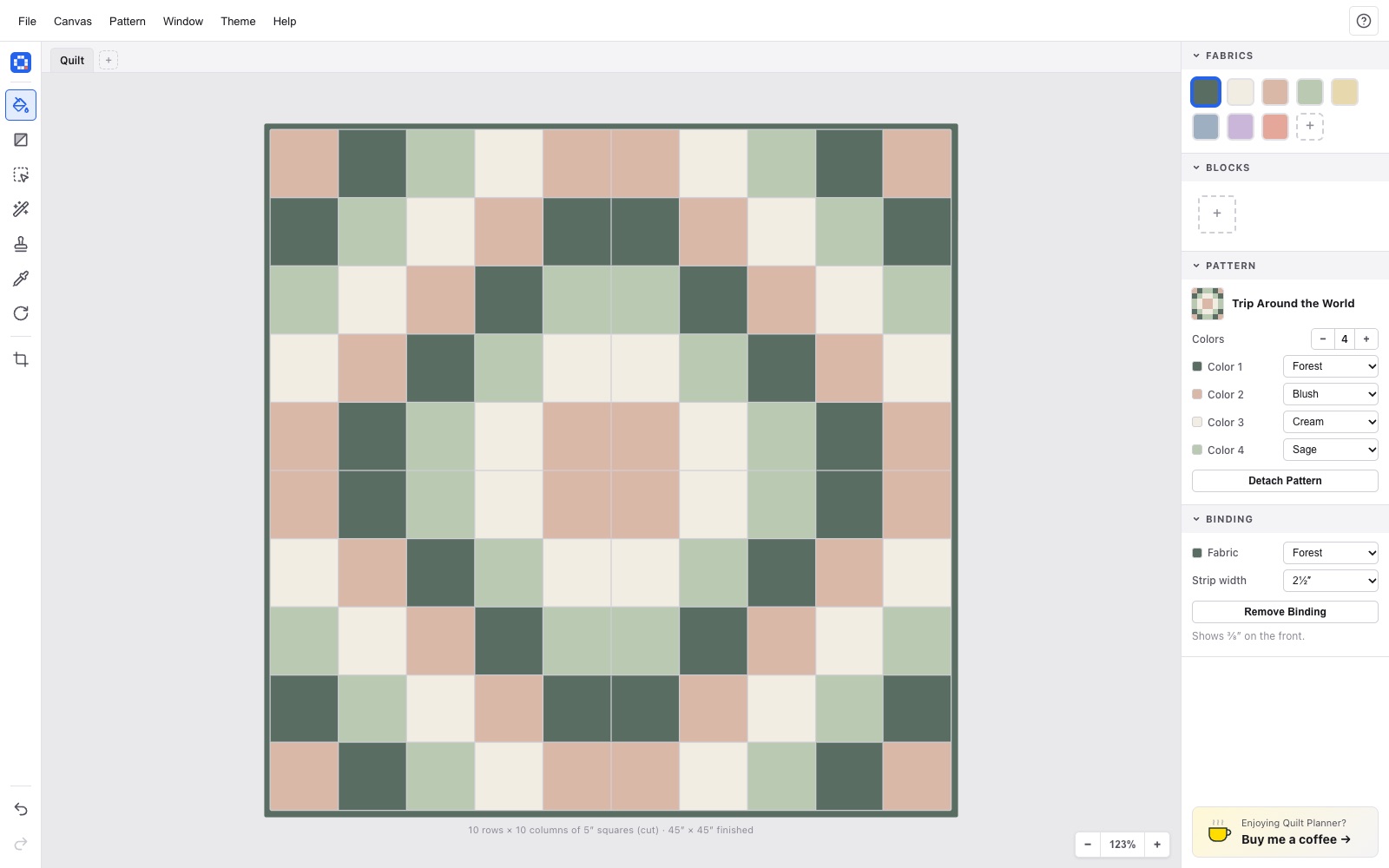
Ohio Star, Log Cabin, Irish Chain, half-square triangles, or your own design.
Drop in a fabric photo and see the print at true scale.
Know exactly what to buy and cut, binding included.
Export a PDF with the quilt diagram, cuts, and fabric amounts.
Baby to king, in cut sizes with your seam allowance.
No account or download. Your designs stay on your device.
Yes. Quilt Planner is free to use, with no account, sign-up, or download required.
Yes. It runs in Safari on iPad with touch gestures (tap to fill, drag to select, pinch to zoom), and you can add it to your Home Screen to use it like an app, even offline.
It counts every piece of each fabric at its cut size, lays the pieces out in strips across your usable bolt width (40″ by default, adjustable), and rounds up to a practical amount to buy. Binding is included when you add it.
You plan in cut sizes, the size you actually cut. Quilt Planner works out the finished size using your seam allowance, which defaults to ¼″ and can be set from ⅛″ to 1″. A 5″ cut square finishes at 4½″.
Yes. Paste or drop a photo of any fabric to make a swatch, then set how many inches across the photo shows. Prints repeat at that real-world scale, so a 10″ square shows more of the print than a 5″ one.
Yes. Export a PDF pattern with a picture of the quilt, the finished size, fabric requirements, a cutting list, block diagrams, and binding instructions, or export a PNG image to share.
Your current quilt saves automatically in your browser. Use File → Save to keep a
.quilt file you can reopen later or on another device.
Any size up to 30 × 30 squares, with squares from 1″ to 24″. Presets cover baby, crib, lap, throw, twin, full, queen, and king quilts.